>>> help dashboard
Redisplay the dashboard.
List of dashboard subcommands:
dashboard -configuration -- Dump or save the dashboard configuration.
dashboard -enabled -- Enable or disable the dashboard.
dashboard -layout -- Set or show the dashboard layout.
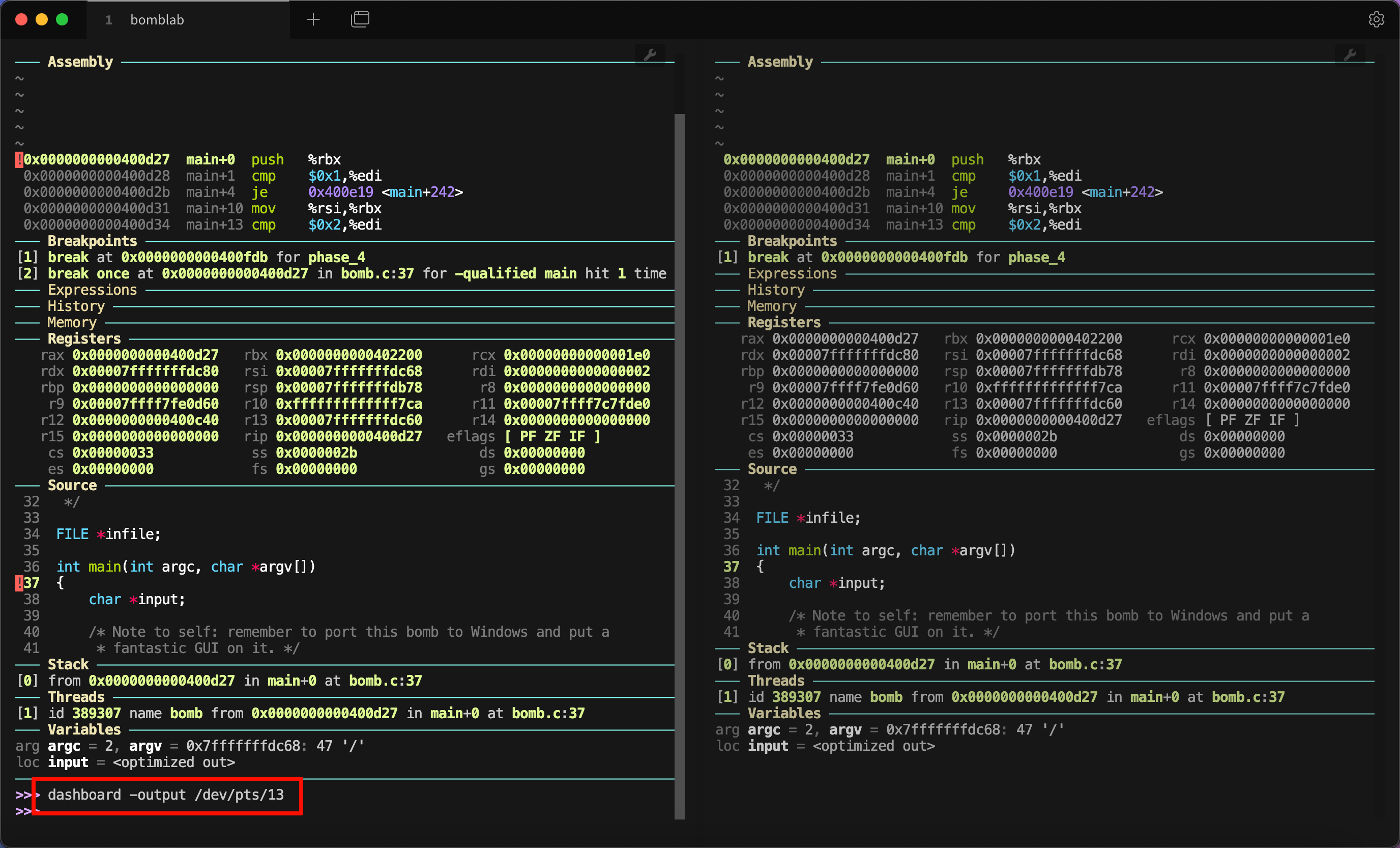
dashboard -output -- Set the output file/TTY for the whole dashboard or single modules.
dashboard -style -- Access the stylable attributes.
dashboard assembly -- Configure the assembly module, with no arguments toggles its visibility.
dashboard breakpoints -- Configure the breakpoints module, with no arguments toggles its visibility.
dashboard expressions -- Configure the expressions module, with no arguments toggles its visibility.
dashboard history -- Configure the history module, with no arguments toggles its visibility.
dashboard memory -- Configure the memory module, with no arguments toggles its visibility.
dashboard registers -- Configure the registers module, with no arguments toggles its visibility.
dashboard source -- Configure the source module, with no arguments toggles its visibility.
dashboard stack -- Configure the stack module, with no arguments toggles its visibility.
dashboard threads -- Configure the threads module, with no arguments toggles its visibility.
dashboard variables -- Configure the variables module, with no arguments toggles its visibility.
Type "help dashboard" followed by dashboard subcommand name for full documentation.
Type "apropos word" to search for commands related to "word".
Type "apropos -v word"for full documentation of commands related to "word".
Command name abbreviations are allowed if unambiguous.
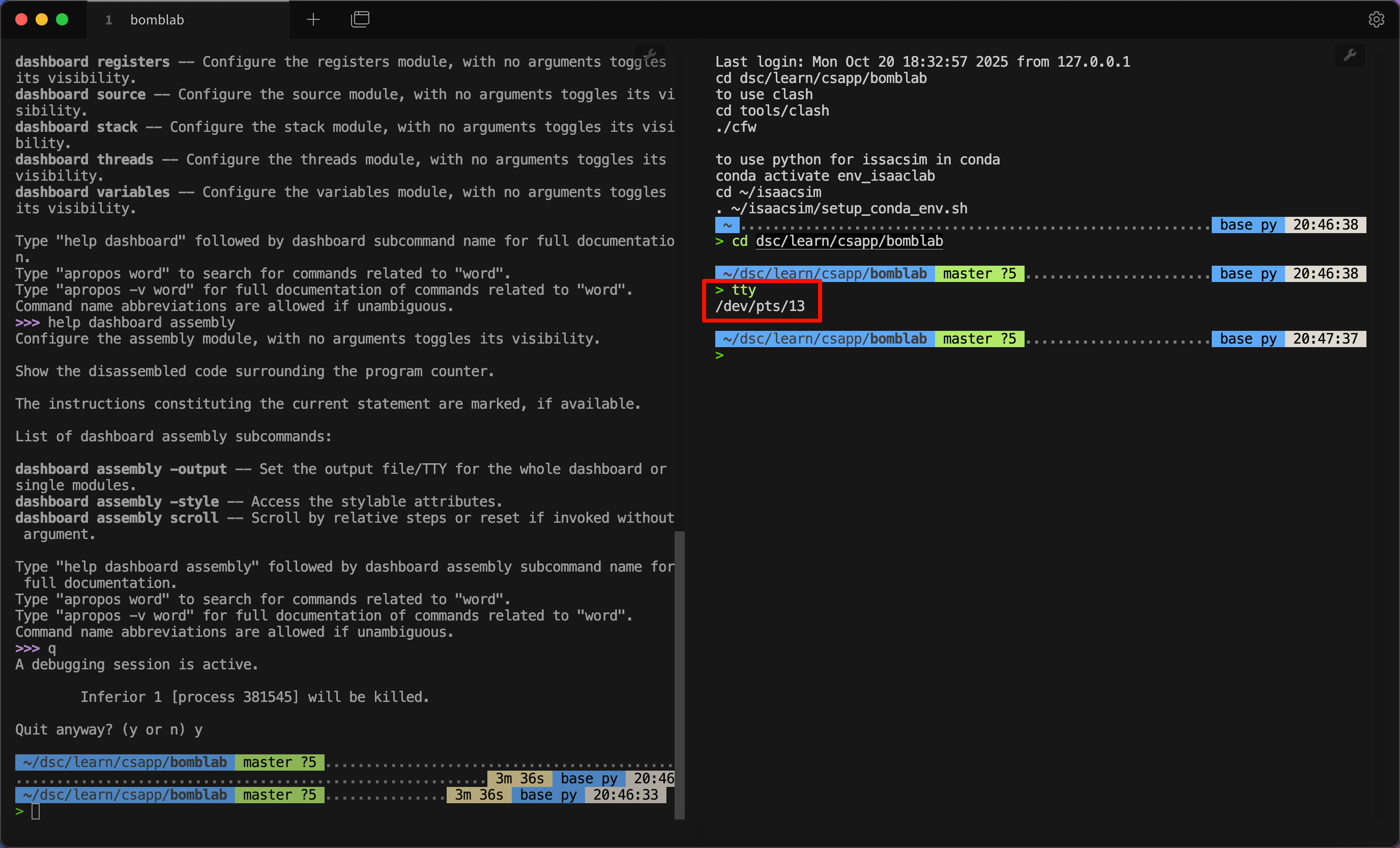
之后需要详细了解哪一部分,也只需要更多地使用 help。例如,我想要知道 assembly 部分的详细设置,就可以输入 help dashboard assembly:
1
2
3
4
5
6
7
8
9
10
11
12
13
14
15
16
17
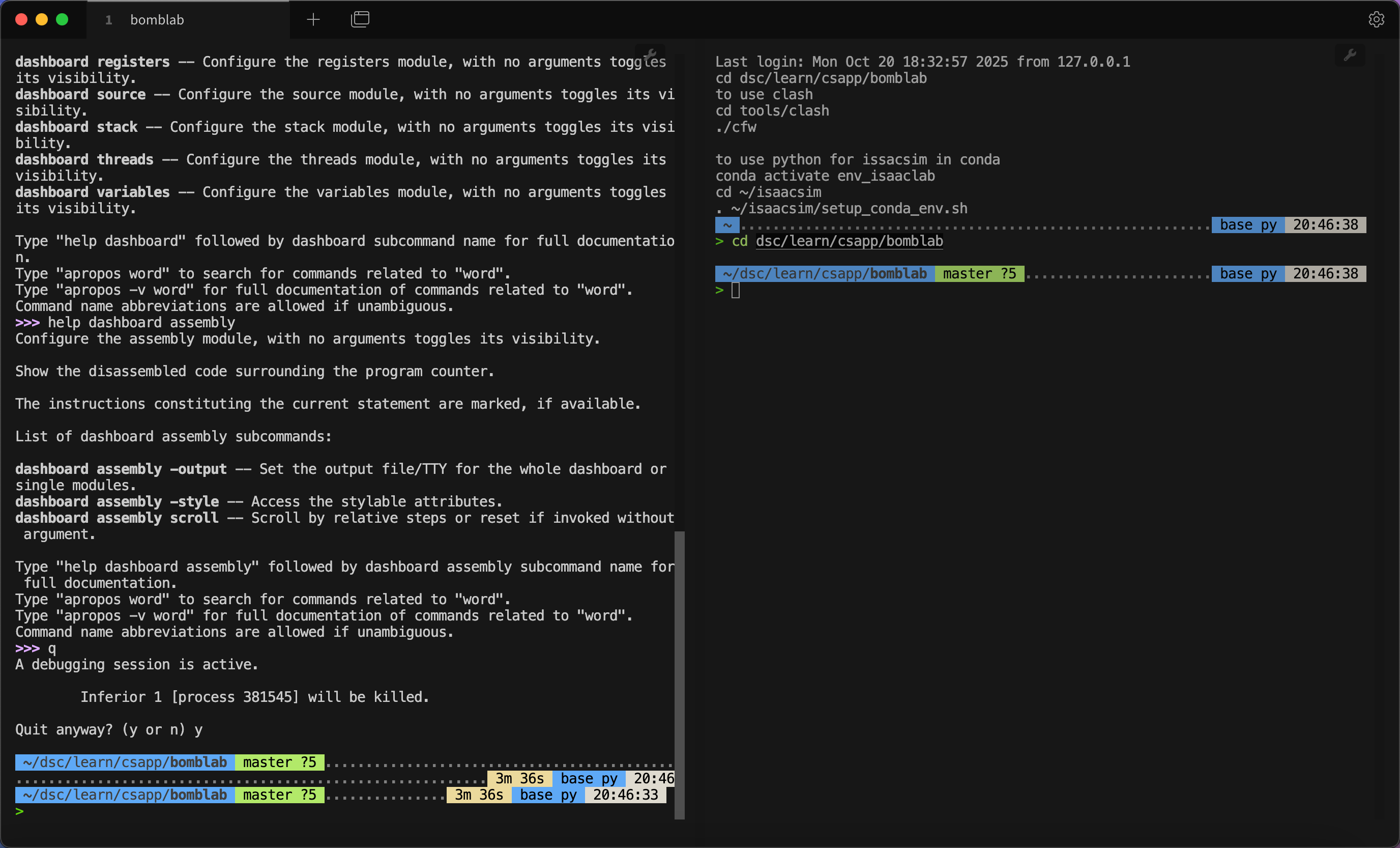
>>> help dashboard assembly
Configure the assembly module, with no arguments toggles its visibility.
Show the disassembled code surrounding the program counter.
The instructions constituting the current statement are marked, if available.
List of dashboard assembly subcommands:
dashboard assembly -output -- Set the output file/TTY for the whole dashboard or single modules.
dashboard assembly -style -- Access the stylable attributes.
dashboard assembly scroll -- Scroll by relative steps or reset if invoked without argument.
Type "help dashboard assembly" followed by dashboard assembly subcommand name for full documentation.
Type "apropos word" to search for commands related to "word".
Type "apropos -v word"for full documentation of commands related to "word".
Command name abbreviations are allowed if unambiguous.